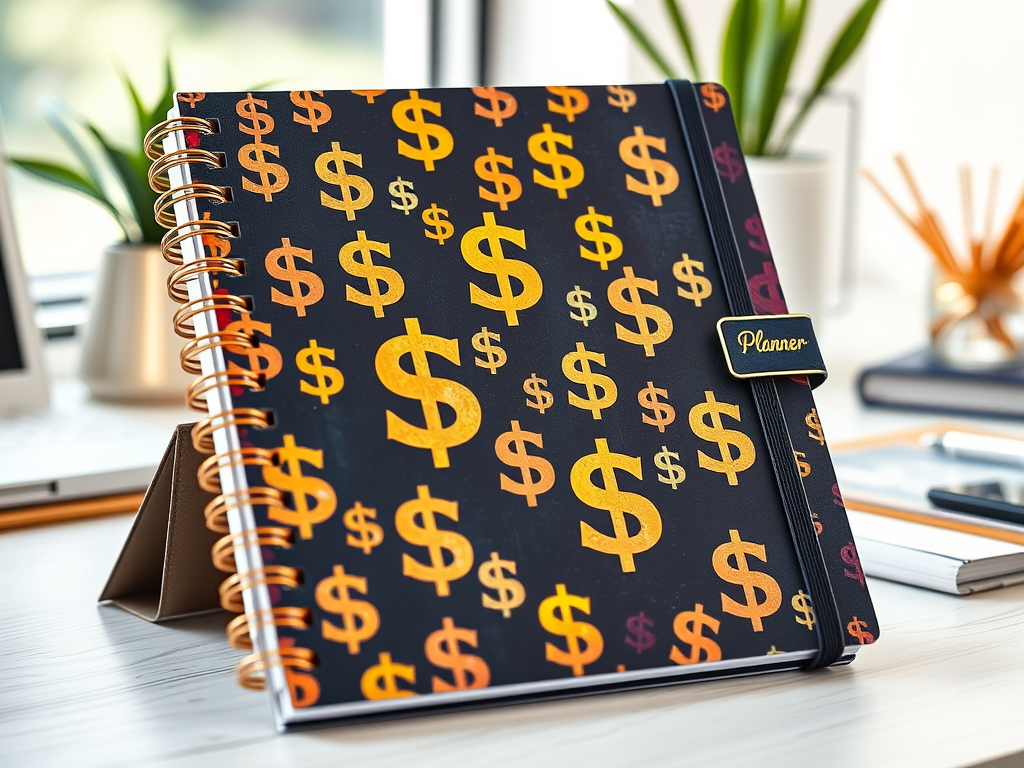
Want to earn money from home without constant hustle? Selling digital planners is a hot side gig in 2025, letting you design once and sell forever. These downloadable PDFs—think budget trackers, fitness logs, or student schedules—are in high demand on platforms like Etsy, with no inventory or shipping hassles. Here’s how to create and sell digital planners for passive income, using free tools and a few hours a week.
Step 1: Understand Digital Planners
Digital planners are PDFs used on apps like GoodNotes or Notability, often for tablets, though printable versions sell too. Buyers love them for organizing life—work, school, or hobbies. You’ll design pages (e.g., daily schedules, goal trackers) and sell them as instant downloads. No design degree needed—just creativity and a laptop.
Step 2: Pick a Profitable Niche
Focus on a specific audience to stand out. Ideas include:
- Your Passion: Love animals? Create a pet care planner!
- Trending Needs: Check Etsy or Pinterest for hot niches like “wedding planning,” “teacher lesson plans,” or “mental health journals.”
- Evergreen Markets: Budget planners, fitness trackers, and student schedules sell year-
- round.
Step 3: Design Your Planner
Use free tools to create professional planners:
- Canva (Free): Start with templates for daily/weekly layouts. Add tabs, hyperlinks (for digital use), and cute graphics (e.g., free clip art from Pixabay).
- Structure: Include a cover, calendar, and 5–10 page types (e.g., to-do lists, habit trackers). Keep fonts clear and colors cohesive.
- Formats: Offer GoodNotes-ready PDFs and printable versions to widen your market.
Spend a weekend designing one 20–30-page planner. Test it on your phone to ensure it’s user-friendly.
Step 4: Set Up Your Shop
Etsy’s 96 million buyers make it ideal for digital planners (20¢/listing, 6.5% transaction fee). Alternatives include Gumroad (free, 10% fee) or Teachers Pay Teachers for educational planners. Tips:
- Store Name: Choose something catchy, like “PlanWithJoy” or your name.
- Profile: Write a short bio (e.g., “Helping busy moms stay organized”) and add a Canva logo.
- First Listing: Price at $5–$15 (e.g., $10 for a 25-page planner yields $8 after fees).
Setup takes an hour—do it tonight to start selling.
Step 5: List and Optimize
Each planner needs a strong listing to attract buyers:
- Title: Use keywords like “2025 Digital Budget Planner” for Etsy searches.
- Description: Highlight features (e.g., “Hyperlinked daily pages for easy navigation”).
- Mockups: Create visuals with Canva or Placeit (free trials) showing the planner on a tablet.
- Freebie: Offer a one-page sample to build trust and drive sales.
Step 6: Promote for Free
Drive traffic without spending a dime:
- Pinterest: Create pins with Canva (e.g., “Best Fitness Planner 2025”) linking to your Etsy listing. Pins can drive 50% of sales.
- Social Media: Share in Facebook groups or on X (e.g., teacher or budgeting communities).
- Etsy Ads: Start at $1/day once you’re earning to boost visibility.
Spend 20 minutes daily pinning or posting. A fitness planner seller hit 500 monthly sales with Pinterest alone.
Step 7: Scale Your Income
Grow your shop for true passive income:
- Add Planners: Aim for 5–10 in your first year. Offer bundles (e.g., budget + fitness for $20).
- Seasonal Updates: Refresh covers for holidays or back-to-school season.
- Email List: Use MailerLite (free) to notify buyers of new releases.
Your First Step
Design one planner this weekend—maybe a “Pet Care Planner” with cow motifs. List it on Etsy, share on Pinterest, and watch for sales. The digital product market is booming—jump in now. What’s your planner idea? Share in the comments, and I’ll suggest a niche twist to make it pop!
 Many Small Streams
Leave a comment