Tag: digital-products

  • Monetize Your Recipes with a Digital Cookbook Series: A Passive Income Side Hustle for 2025

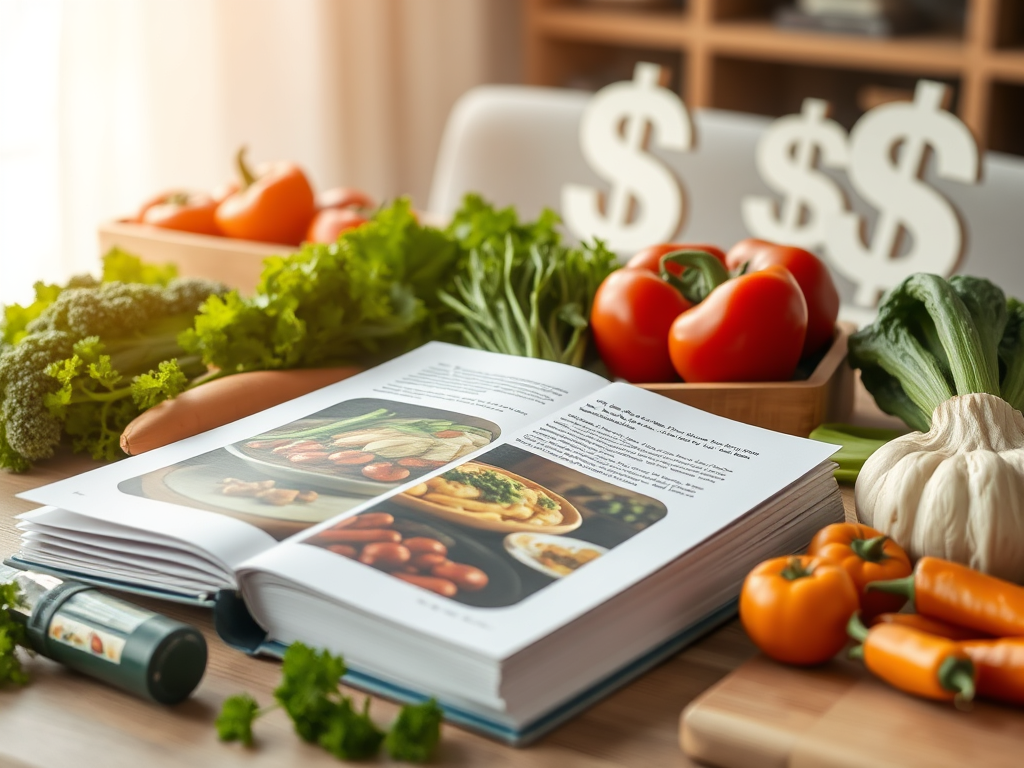
    Love cooking and want to turn your recipes into cash? In 2025, creating a digital cookbook series is a fantastic side hustle for generating passive income from home. These downloadable PDFs, packed with recipes like vegan desserts or 30-minute meals, sell for $5–$20 on platforms like Amazon KDP or Etsy. There is no limit to the amount of cookbooks you can publish, therefore no limit to the potential profits. No publishing experience needed—just a laptop, your recipes, and free tools. Here’s how to monetize your recipes with a digital cookbook series in 30 days.

    Step 1: Choose a Niche Cookbook Topic

    Pick a recipe theme you love and buyers want:

    • Your Expertise: Master of quick meals? Create a “30-Minute Dinner” cookbook. Vegan guru? Focus on plant-based snacks.
    • Market Trends: Browse Amazon KDP or Etsy for hot niches like gluten-free baking, air fryer recipes, or kid-friendly lunches.
    • Specific Value: Solve a problem (e.g., “Budget-Friendly Family Meals Under $10”).

    Step 2: Write Your Recipes

    Keep it simple and appealing:

    • Length: Aim for 15–30 recipes (20–50 pages). Each recipe needs ingredients, steps, and tips (100–200 words).
    • Structure: Include an intro, recipe list, and sections (e.g., appetizers, mains). Add a shopping list or meal plan as a bonus.
    • Tool: Use Google Docs for free for writing. Keep formatting clean—12pt font, bullet points.

    Step 3: Design Your Cookbook

    Make it visually appealing without costs:

    • Cover: Create a vibrant cover in Canva for free with a catchy title (e.g., “Easy Vegan Snacks”). You can use stock photos from sites like Shutterstock or take your own photos. For more professional looking photos you can find inexpensive light boxes on Amazon. 
    • Interior: Add recipe photos taken with your phone. Include headers and dividers for polish. Export as a PDF.
    • Formatting: For KDP, use Kindle Create for free for e-reader compatibility. For Etsy or Gumroad, a PDF works.

    Step 4: Publish Your Cookbook

    Choose a platform to sell:

    • Amazon KDP: Free to publish, 70% royalties on $2.99–$9.99 ebooks ($2–$7/sale). Reaches millions via Kindle.
    • Etsy: List for 20¢, 6.5% fee. Sell PDFs for $5–$15 to 96 million buyers.
    • Gumroad: 10% fee. Sell for $5–$20 with full control.

    Upload to KDP for reach or Etsy for niche appeal.

    Step 5: Market for Passive Sales

    Drive buyers with low-effort strategies:

    • Platform SEO: Use keywords like “2025 vegan cookbook” or “quick dinner recipes” in titles and descriptions.
    • Pinterest: Create Canva pins (e.g., “Best Gluten-Free Recipes”) linking to your listing. Pins drive 50% of digital sales.
    • Social Media: Share sample recipes in foodie groups on Facebook or X. 

    Step 6: Scale Your Series

    Grow for true passive income:

    • More Cookbooks: Create 3–5 related titles (e.g., “Vegan Breakfast,” “Vegan Dinner”) in year one.
    • Bundles: Sell series packs on Gumroad for $20–$50.
    • Email List: Use Mailchimp for free to share new releases with buyers.

    The self-publishing market is growing 9% annually, with digital cookbooks in high demand.

    Your 30-Day Plan

    • Days 1–3: Pick a niche, outline 20 recipes.
    • Days 4–12: Write and test recipes (5/day).
    • Days 13–17: Design cover and format in Canva.
    • Days 18–22: Upload to KDP and/or Etsy, create listings.
    • Days 23–30: Share pins and posts to drive sales.

    Cookbooks are a tasty way to cook up passive income. What’s your recipe idea?

  • Passive Income with Printables: 10 Ideas to Sell from Your Couch in 2025

    Want to create once and earn money repeatedly from home? Selling printables—digital downloads like planners, worksheets, or wall art—is a top side hustle in 2025, perfect for passive income. These products sell on platforms like Etsy, with no inventory or shipping needed. No design skills required—just a laptop and free tools. Here are 10 printable ideas to sell from your couch, plus how to start.

    Why Printables?

    Printables are quick to make and sell 24/7 via platform searches.

    10 Printable Ideas

    1. Budget Planners: Monthly trackers for bills or savings goals.
    2. Meal Prep Guides: Weekly menus with grocery lists.
    3. Fitness Trackers: Logs for workouts or water intake.
    4. Student Study Guides: Flashcard templates or exam planners.
    5. Wedding Checklists: Timelines for brides or planners.
    6. Kids’ Activity Sheets: Mazes or learning games for ages 4–8.
    7. Home Organization Charts: Cleaning schedules or pantry labels.
    8. Career Templates: Resume or cover letter designs.
    9. Wall Art Quotes: Motivational prints for offices or homes.
    10. Journal Prompts: Self-care or gratitude question sets.

    Step 1: Design Your Printable

    Use free tools for pro results:

    • Canva (Free): Start with templates for planners or art. Add clear fonts and stock images from Unsplash.
    • Format: Create 8.5×11” PDFs for printing or digital use (e.g., GoodNotes). Include 5–10 pages (e.g., weekly tracker, monthly overview).
    • Quality: Keep designs clean—avoid clutter. Test on your phone or printer.

    Step 2: Choose a Platform

    Sell where buyers shop:

    • Etsy: List for 20¢, 6.5% fee. Reaches 96 million buyers, great for planners or art ($3–$15).
    • Teachers Pay Teachers (TpT): Free to join, 45% fee (20% for $59.95/year premium). Ideal for educational printables ($3–$10).
    • Gumroad: Free, 10% fee. Sell for $5–$20 with full control.

    Step 3: List and Optimize

    Make your printable discoverable:

    • Titles & Tags: Use keywords like “2025 Budget Planner Printable” or “Kids Activity Sheets” (13 tags on Etsy).
    • Mockups: Show the printable in use via Canva or Placeit (free trials) mockups (e.g., planner on a tablet).
    • Descriptions: Highlight benefits (e.g., “Simplify your week with this no-prep tracker”).

    Step 4: Market for Passive Sales

    Drive buyers without daily work:

    • Pinterest: Create Canva pins (e.g., “Best Meal Prep Printable”) linking to your listing. Pins drive 50% of digital sales.
    • Social Media: Share in niche groups on Facebook or X (e.g., parenting or teacher communities).
    • Etsy Ads: Start at $1/day once earning to boost visibility.

    Step 5: Scale Your Income

    Grow for true passive income:

    • More Printables: Aim for 10–20 designs in year one (e.g., planners, trackers, art).
    • Bundles: Sell sets (e.g., budget + fitness trackers for $20) for higher revenue.
    • Email List: Use Mailchimp (free) to share new releases with buyers.

    Your First Move

    Design one printable—like a budget tracker—this weekend. List it on Etsy for $5, share a pin on Pinterest, and watch for sales. Printables are a create-once, earn-forever hustle. What’s your printable idea? Share in the comments, and I’ll suggest a platform to maximize it!

  • Selling Digital Assets: Passive Income from Fonts, Presets, and More in 2025

    Want to create something once and earn money repeatedly? Selling digital assets—think fonts, Lightroom presets, or social media templates—is a hot side hustle in 2025, perfect for building passive income from home. These products are in demand by designers, bloggers, and businesses, selling on platforms like Creative Market. No design degree needed—just a laptop and free tools. Here’s how to start renting out digital assets for passive income.

    Step 1: Understand Digital Assets

    Digital assets are downloadable files that creatives use, like custom fonts for branding, photo presets for editing, or templates for Instagram posts. You create them once, upload them, and earn per sale with no inventory or shipping. The digital product market is growing, projected to hit $74 billion by 2028, making now a great time to start.

    Step 2: Choose a Profitable Asset Type

    Pick an asset you can create and that sells:

    • Your Skills: Good at organizing? Design Canva templates for planners. Into photography? Create Lightroom presets for vibrant edits.
    • Market Demand: Browse Creative Market or Etsy for trending assets like handwritten fonts, vintage presets, or resume templates.
    • Low Effort: Start with simple assets (e.g., a 10-preset pack) to test the waters.

    Step 3: Create Your Digital Assets

    Use free tools to keep costs at zero:

    • Fonts: Design with FontStruct (free) for unique typography (e.g., a bold sans-serif for logos).
    • Presets: Use Lightroom’s free mobile app to create photo filters (e.g., moody tones for landscapes).
    • Templates: Make social media or resume templates in Canva (free) with clean layouts and stock images from Unsplash.
    • Quality: Test assets yourself—ensure fonts are legible, presets are versatile, or templates are editable.

    Step 4: Set Up Your Shop

    Top platforms are free or low-cost:

    • Creative Market: Free to join, 60% royalties ($3–$30/sale). Ideal for design-focused assets like fonts or presets.
    • Etsy: List for 20¢, 6.5% fee per sale. Great for templates or niche assets ($5–$20).
    • Gumroad: Free, 10% fee. Sell for $5–$50 with full control.

    Step 5: List and Optimize

    Make your assets stand out:

    • Titles & Tags: Use keywords like “2025 Instagram Story Template” or “Vintage Lightroom Preset” (up to 13 tags on Etsy).
    • Mockups: Show assets in use with Canva or Placeit (free trials) mockups (e.g., a font on a poster).
    • Descriptions: Highlight benefits (e.g., “Easy-to-use resume template for job seekers”).

    Step 6: Market for Passive Sales

    Drive buyers without daily work:

    • Pinterest: Create Canva pins (e.g., “Best Resume Templates 2025”) linking to your listings. Pins drive 50% of digital sales.
    • Social Media: Share in niche groups on Facebook or X (e.g., design or blogging communities).
    • Platform Ads: Use Etsy Ads ($1/day) or Creative Market’s featured spots once earning.

    Step 7: Scale Your Income

    Grow for true passive income:

    • More Assets: Aim for 20–50 assets in year one (e.g., fonts, presets, templates).
    • Bundles: Sell sets (e.g., 10 presets for $20) for higher revenue.
    • Email List: Use Mailchimp (free) to share new releases with buyers.

    Your First Move

    Create one asset—like a Canva resume template—this weekend. Digital assets are a create-once, earn-forever win. What’s your asset idea? Share in the comments, and I’ll suggest a platform to maximize it!

  • Create and Sell Digital Planners: Your Path to Passive Income in 2025

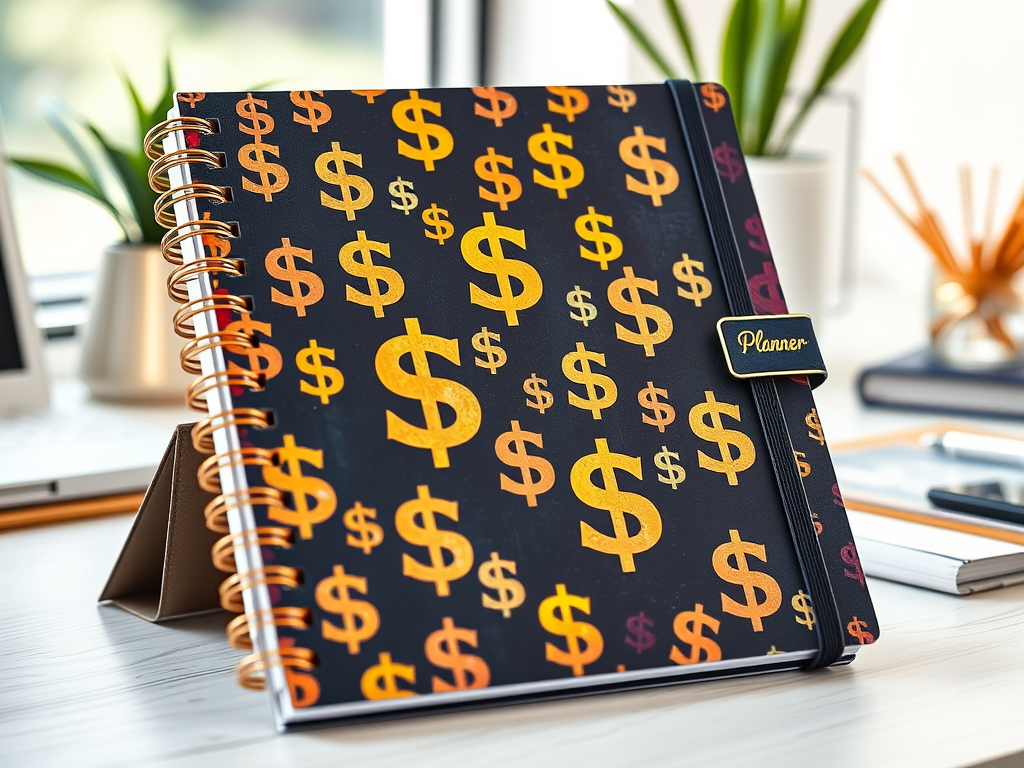
    Want to earn money from home without constant hustle? Selling digital planners is a hot side gig in 2025, letting you design once and sell forever. These downloadable PDFs—think budget trackers, fitness logs, or student schedules—are in high demand on platforms like Etsy, with no inventory or shipping hassles. Here’s how to create and sell digital planners for passive income, using free tools and a few hours a week.

    Step 1: Understand Digital Planners

    Digital planners are PDFs used on apps like GoodNotes or Notability, often for tablets, though printable versions sell too. Buyers love them for organizing life—work, school, or hobbies. You’ll design pages (e.g., daily schedules, goal trackers) and sell them as instant downloads. No design degree needed—just creativity and a laptop.

    Step 2: Pick a Profitable Niche

    Focus on a specific audience to stand out. Ideas include:

    • Your Passion: Love animals? Create a pet care planner!
    • Trending Needs: Check Etsy or Pinterest for hot niches like “wedding planning,” “teacher lesson plans,” or “mental health journals.”
    • Evergreen Markets: Budget planners, fitness trackers, and student schedules sell year-
    • round.

    Step 3: Design Your Planner

    Use free tools to create professional planners:

    • Canva (Free): Start with templates for daily/weekly layouts. Add tabs, hyperlinks (for digital use), and cute graphics (e.g., free clip art from Pixabay).
    • Structure: Include a cover, calendar, and 5–10 page types (e.g., to-do lists, habit trackers). Keep fonts clear and colors cohesive.
    • Formats: Offer GoodNotes-ready PDFs and printable versions to widen your market.

    Spend a weekend designing one 20–30-page planner. Test it on your phone to ensure it’s user-friendly.

    Step 4: Set Up Your Shop

    Etsy’s 96 million buyers make it ideal for digital planners (20¢/listing, 6.5% transaction fee). Alternatives include Gumroad (free, 10% fee) or Teachers Pay Teachers for educational planners. Tips:

    • Store Name: Choose something catchy, like “PlanWithJoy” or your name.
    • Profile: Write a short bio (e.g., “Helping busy moms stay organized”) and add a Canva logo.
    • First Listing: Price at $5–$15 (e.g., $10 for a 25-page planner yields $8 after fees).

    Setup takes an hour—do it tonight to start selling.

    Step 5: List and Optimize

    Each planner needs a strong listing to attract buyers:

    • Title: Use keywords like “2025 Digital Budget Planner” for Etsy searches.
    • Description: Highlight features (e.g., “Hyperlinked daily pages for easy navigation”).
    • Mockups: Create visuals with Canva or Placeit (free trials) showing the planner on a tablet.
    • Freebie: Offer a one-page sample to build trust and drive sales.

    Step 6: Promote for Free

    Drive traffic without spending a dime:

    • Pinterest: Create pins with Canva (e.g., “Best Fitness Planner 2025”) linking to your Etsy listing. Pins can drive 50% of sales.
    • Social Media: Share in Facebook groups or on X (e.g., teacher or budgeting communities).
    • Etsy Ads: Start at $1/day once you’re earning to boost visibility.

    Spend 20 minutes daily pinning or posting. A fitness planner seller hit 500 monthly sales with Pinterest alone.

    Step 7: Scale Your Income

    Grow your shop for true passive income:

    • Add Planners: Aim for 5–10 in your first year. Offer bundles (e.g., budget + fitness for $20).
    • Seasonal Updates: Refresh covers for holidays or back-to-school season.
    • Email List: Use MailerLite (free) to notify buyers of new releases.

    Your First Step

    Design one planner this weekend—maybe a “Pet Care Planner” with cow motifs. List it on Etsy, share on Pinterest, and watch for sales. The digital product market is booming—jump in now. What’s your planner idea? Share in the comments, and I’ll suggest a niche twist to make it pop!